



تفاصيل
Dell
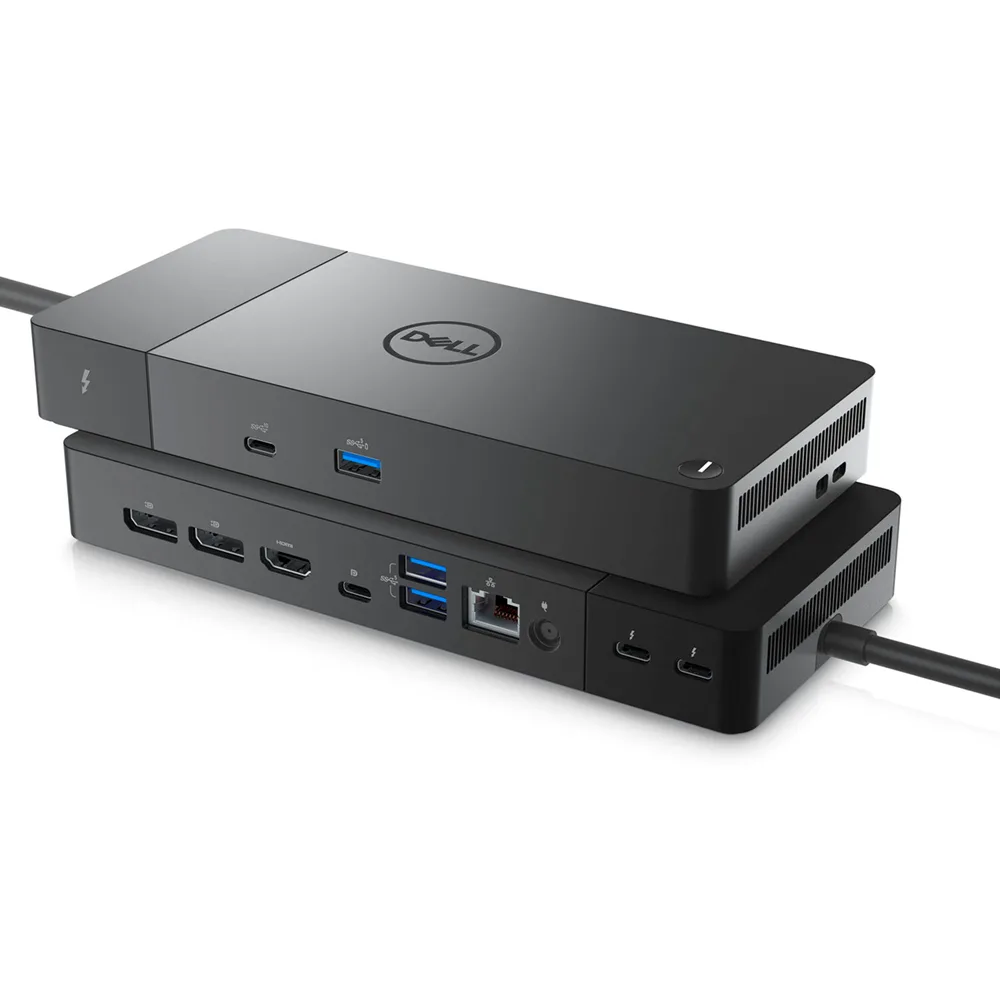
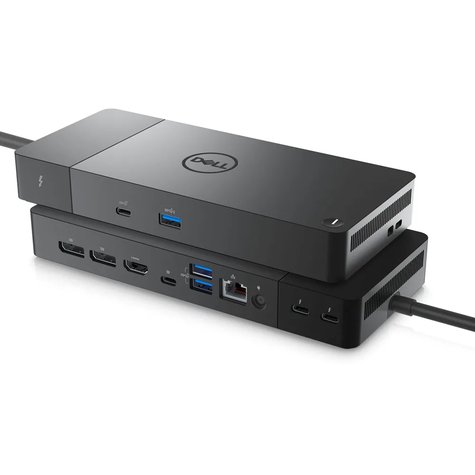
- Provides up to 130W of Power Delivery
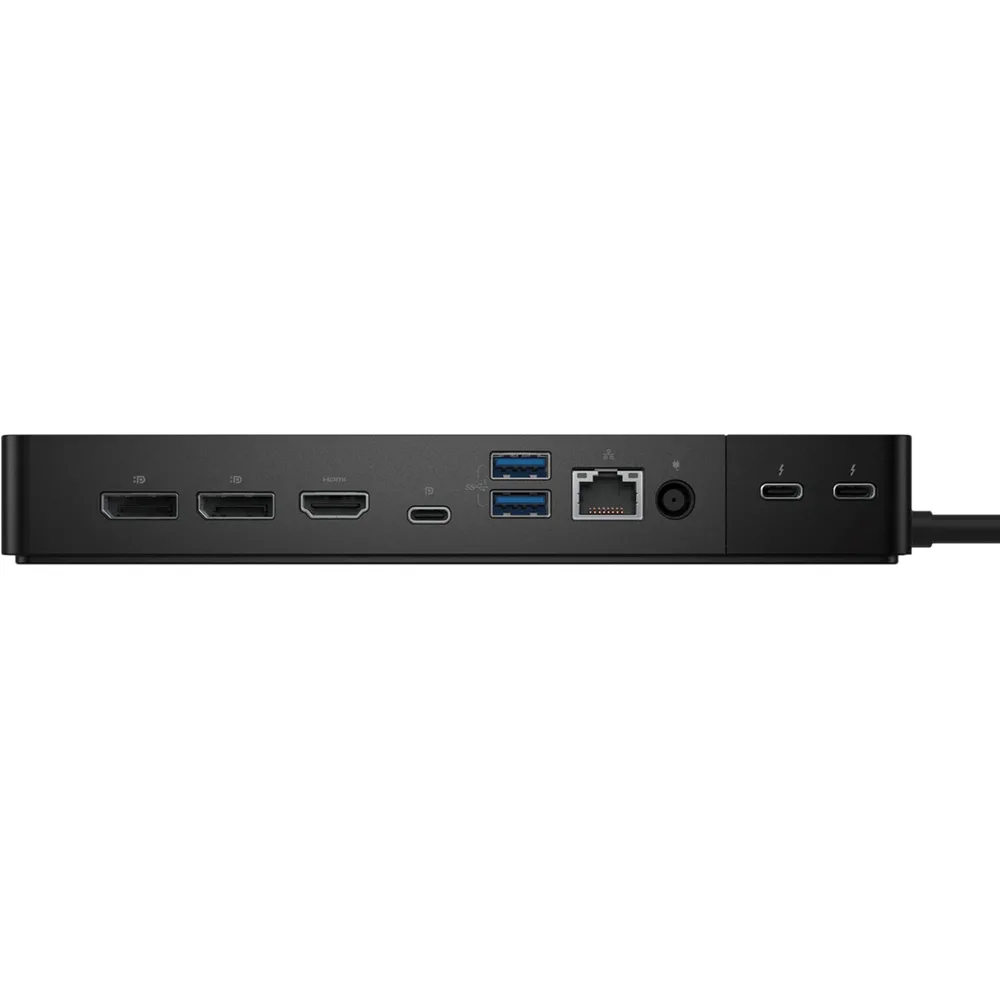
- 2 x Thunderbolt 4 Port
- 2 x DisplayPort 1.4 Port
- 1 x HDMI 2.0 Port
- 1 x USB 3.2 Gen 2 Type-C Port
- 1 x USB Type-C Multifunction DisplayPort
- 3 x USB 3.2 Gen 1 Type-A Port
- 1 x Gigabit Ethernet RJ45 LAN Jack
Express Charge Technology
You’ll experience power delivery of up to 180W on Dell devices with ExpressCharge technology that enables:
- 80% charge in one hour
- 35% charge in just 20 minutes
Multiply productivity
Thunderbolt™ 4 dock with the highest number of ports connects multiple 4K displays and Thunderbolt peripherals allowing you to not compromise with your work setup. Get the maximum from your peripherals with data transfer of 40 GB/s.
Intelligent and simple management
Work without disruption: Firmware updates can be completed in five to seven minutes without needing to reboot the system.
Easier for IT: Dell Client Command Suite and Microsoft System Center Configuration Manager offers a smoother firmware update experience. You can also streamline deployment and management with a single firmware.

Easier upgrades: Modularity allows for simple field replacement of the power cable or connectivity module.Better support: Inventory management got easier since each has its own service tag, allowing IT to push firmware updates only to certain dock.Secure manageability: Keep your information safe with MAC Address pass-thru and remote port-disablement. Plus, with features like PXE Boot, Wake-on-LAN, and more, it’s easier than ever to stay productive while managing your dock.
Industry standard compatibility
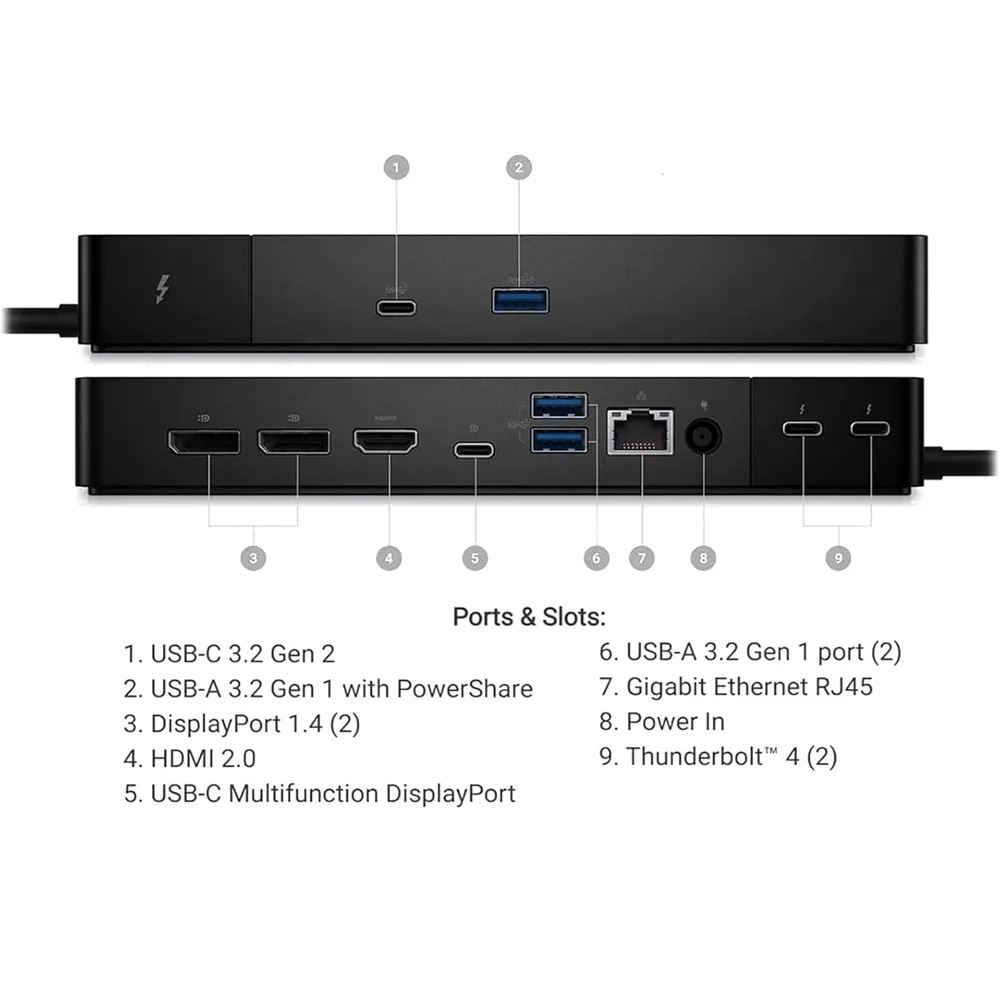
1. USB-C 3.2 Gen 2
2. USB-A 3.2 Gen 1 with PowerShare
3. DisplayPort 1.4 (2)
4. HDMI 2.0
6. USB-A 3.2 Gen 1 port (2)
7. Gigabit Ethernet RJ45
8. Power In
9. Thunderbolt™ 4 (2)
- الرئيسية
- »
- الكمبيوتر/ الأجهزة اللوحية
- »
- اكسسوارات الكمبيوتر
- »
- محولات وموصلات الكابلات
- »
- محطة إرساء Dell WD22TB4 Thunderbolt 4 (Dock) مع موزع USB-C
محطة إرساء Dell 1 × HDMI 2.0 2 × DisplayPort 1.4 1 × USB-C 3.2 Gen 2 2 × منافذ Thunderbolt 4 1 × USB-C متعدد الوظائف مع DisplayPort 1 × USB-A 3.2 Gen 1 مع PowerShare
-
يباع من
pcstore
تصفح المنتجات الأخرى

- SKUsku_2_262
- الشحنالتوصيل العادي,
-
توصيل
يختلف بالنسبة للمنتجات المشحونة من دولة أخرى
التسليم في غضون 4 أيام عمل - الدولةالكويت
- أيام الارجاع0 يوم
تفاصيل
Dell
- Provides up to 130W of Power Delivery
- 2 x Thunderbolt 4 Port
- 2 x DisplayPort 1.4 Port
- 1 x HDMI 2.0 Port
- 1 x USB 3.2 Gen 2 Type-C Port
- 1 x USB Type-C Multifunction DisplayPort
- 3 x USB 3.2 Gen 1 Type-A Port
- 1 x Gigabit Ethernet RJ45 LAN Jack
Express Charge Technology
You’ll experience power delivery of up to 180W on Dell devices with ExpressCharge technology that enables:
- 80% charge in one hour
- 35% charge in just 20 minutes
Multiply productivity
Thunderbolt™ 4 dock with the highest number of ports connects multiple 4K displays and Thunderbolt peripherals allowing you to not compromise with your work setup. Get the maximum from your peripherals with data transfer of 40 GB/s.
Intelligent and simple management
Work without disruption: Firmware updates can be completed in five to seven minutes without needing to reboot the system.
Easier for IT: Dell Client Command Suite and Microsoft System Center Configuration Manager offers a smoother firmware update experience. You can also streamline deployment and management with a single firmware.
Easier upgrades: Modularity allows for simple field replacement of the power cable or connectivity module.Better support: Inventory management got easier since each has its own service tag, allowing IT to push firmware updates only to certain dock.Secure manageability: Keep your information safe with MAC Address pass-thru and remote port-disablement. Plus, with features like PXE Boot, Wake-on-LAN, and more, it’s easier than ever to stay productive while managing your dock.
Industry standard compatibility
1. USB-C 3.2 Gen 2
2. USB-A 3.2 Gen 1 with PowerShare
3. DisplayPort 1.4 (2)
4. HDMI 2.0
6. USB-A 3.2 Gen 1 port (2)
7. Gigabit Ethernet RJ45
8. Power In
9. Thunderbolt™ 4 (2)
ربما يعجبك أيضا من متاجر أخرى
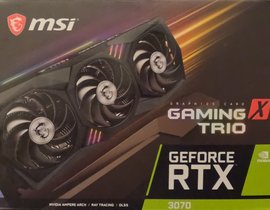
MSI RTX 3070 GAMING TRIO X
- 226.62 USD
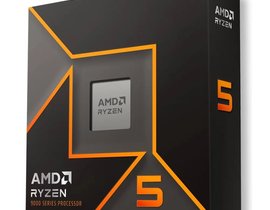
معالج AMD Ryzen 5 9600X للألعاب بمقبس AM5
- 294.60 USD
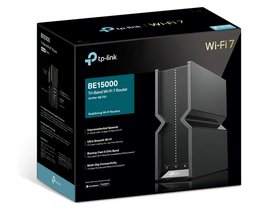
تي بي لينك Archer BE700 BE15000 – راوتر Wi-Fi 7 ثلاثي النطاقات، بسرعة 2.5 جيجابت/10 جيجابت
- 339.93 USD
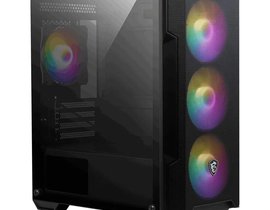
إم إس آي MAG FORGE M100A – صندوق حاسوب Micro ATX، أسود، مزود بـ 4 مراوح
- 71.22 USD
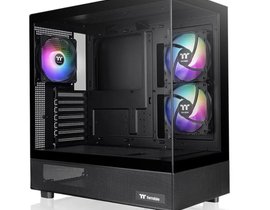
ثيرمالتيك View 270 TG ARGB – صندوق حاسوب متوسط الحجم (Mid Tower) أسود، مزود بـ 3 مراوح
- 87.41 USD
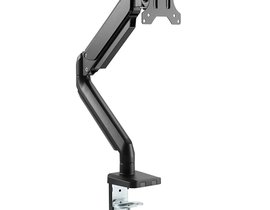
توستد مايندز TM26C06 – حامل مكتبي لشاشة واحدة مقاس 17 إلى 32 بوصة، مناسب للشاشات المسطحة والمنحنية
- 48.56 USD
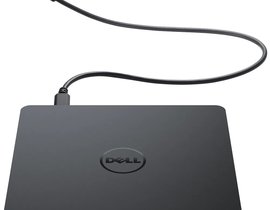
ديل DW316 – ناسخ ومحرك أقراص DVD±R/W خارجي محمول عبر USB
- 38.85 USD
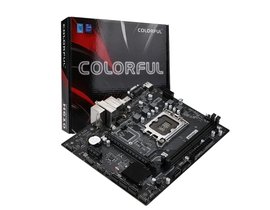
كولرفول BATTLE-AX H610M-P WIFI D5 V20 – لوحة أم (Motherboard)
- 110.07 USD
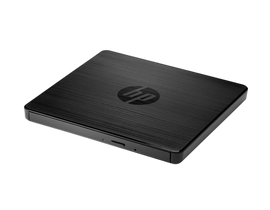
إتش بي F2B56AA – ناسخ ومحرك أقراص DVD خارجي محمول USB (DVD-RW)
- 42.09 USD
إم إس آي MAG COREFROZR AA13 الأسود – مبرد هوائي للمعالج (CPU)
- 58.27 USD